Agile Work Management
2 mins read
This section provides the functional aspects of Agile Work Management as part of this release.
Enhanced Risk Planning and Ownership
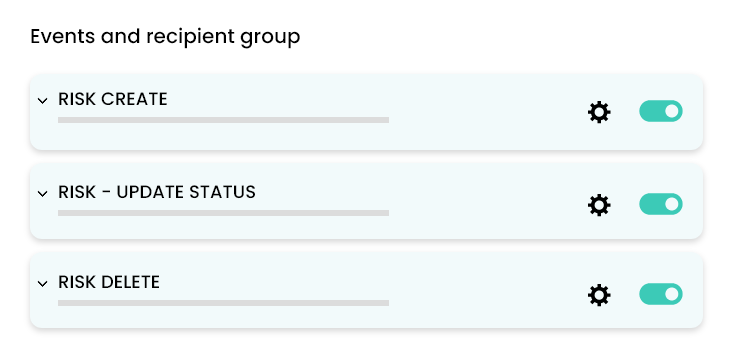
This feature strengthens risk management in JileTM by configuring alerts, tagging risks flexibly, and generating custom reports for improved planning and ownership.
Here's What is New
- Documenting risks and responses in a repository.
- Configurable email notifications: Set up alerts for risk creation, updates, or deletions to stay informed in real time.
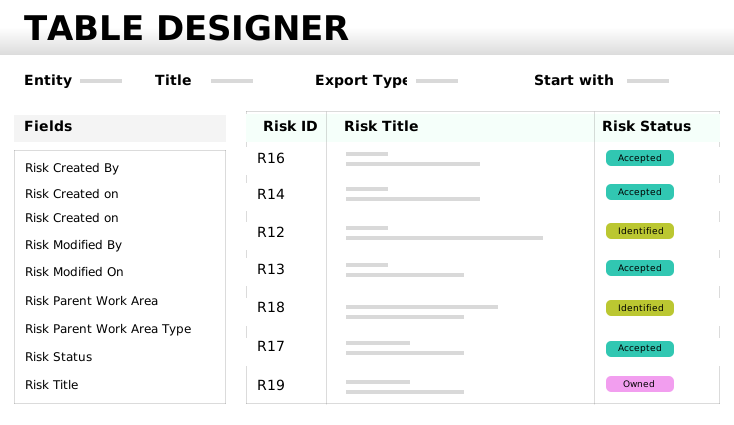
- DIY risk reports: Create custom reports for risks for enabling deeper analysis and tracking.
- Expanded tagging: Tag risks not only to releases and programs, but also to planning intervals and capabilities for greater flexibility.
- Broader linkages: Link risks to Capabilities in addition to Initiatives and Epics, ensuring comprehensive coverage.
What Makes This Update Useful
These improvements make risk management complete and actionable, helping teams proactively identify, track, and address risks throughout the project lifecycle.
More Power to the Centralized Review Teams
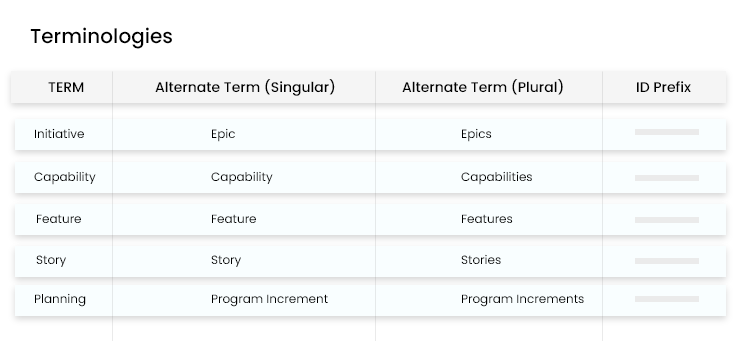
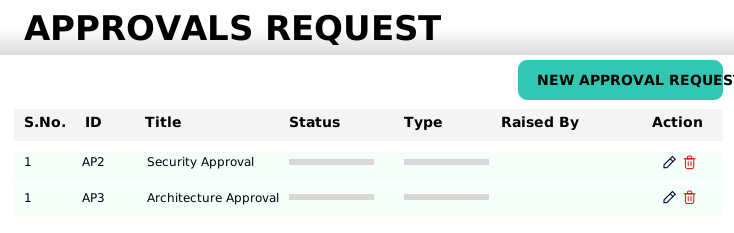
This feature empowers your review teams with a suite of enhancements that streamline approval management. This helps with staying in control of approval requests with improved tracking, flexible terminology, and expanded integration options.
Here's What is New
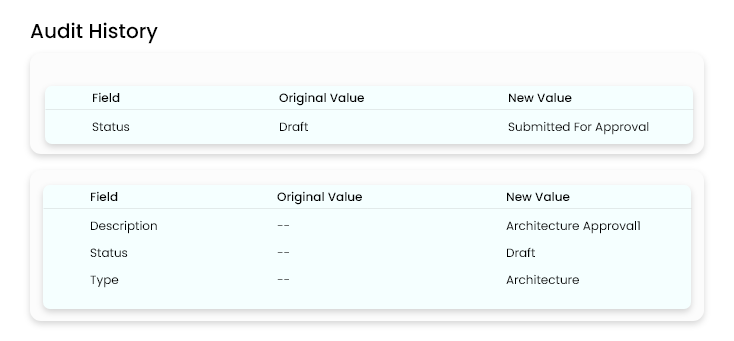
- Availability of audit history for approvals.
- Usage of your preferred terminology. For example, replace 'Approvals' with terms like 'Sign-off' to match your workflow.
- Ability for workspace admins to configure email notifications for approvals.
- Creation of approvals through API for seamless integration
What makes this update useful
- Greater transparency: Audit trails provide a clear record of all approval actions.
- Custom fit: Flexible terminology allows teams to align the platform with their processes.
- Proactive oversight: Email notifications ensure that no approval request is missed.
- Integration ready: API support enables automation and connection with other tools, boosting efficiency.
Flexible, framework-agnostic workspace creation
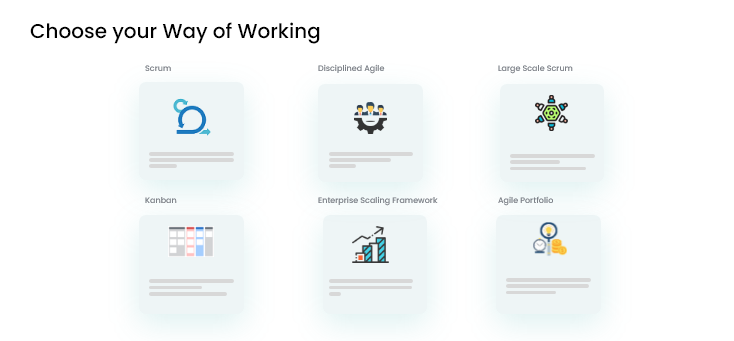
This enables teams to set up workspaces in JileTM without being tied to any specific agile methodology. This option is ideal for projects or programs that prefer universal terminology or follow non-agile approaches, such as waterfall.
Here's What is New
- Ability to create new workspaces with universal framework-neutral terminology.
- No requirement to conform to any agile framework, that is suitable for waterfall and other methodologies.
- Workspace configuration remains fully customizable to fit evolving project needs.
What makes this update useful
- Maximum flexibility: Helps teams to tailor their workspaces to match their unique processes, whether agile, waterfall or hybrid.
- Inclusive for all approaches: Supports a wide range of project management styles, making Jile TM accessible to more teams.
- Adaptable configuration: Aids in easy update of workspace settings as project requirements change, ensuring long-term usability.
Additional improvements across Jile TM
This includes usability and productivity enhancements designed to make your experience smoother and more intuitive across Jile TM.
Here's What is New
- Adjustable timeline columns: Easily resize columns in the timeline view for better visibility and organization.
- Clear status indicators: Instantly distinguish in-progress, done, and delayed items with enhanced visual cues on the timeline.
- Workspace configuration remains fully customizable to fit evolving project needs.
- Broader timeline default: View timeline in months, providing a wider perspective on your project's schedule.
- Focused release grid: Automatically filter the planned and in-progress releases, keeping your view uncluttered by completed items.
- Updated information icons: View refreshed icons that clearly indicate the 'Ready' status for entities such as Epic, Capability and Feature, reducing ambiguity.
What makes this update useful
These enhancements streamline navigation, improve clarity, and help you focus on what is most important, making project tracking and management even more efficient.
-
For navigation flow click here: Agile Work Management
-
For navigation flow click here: Agile Work Management